
Document Download
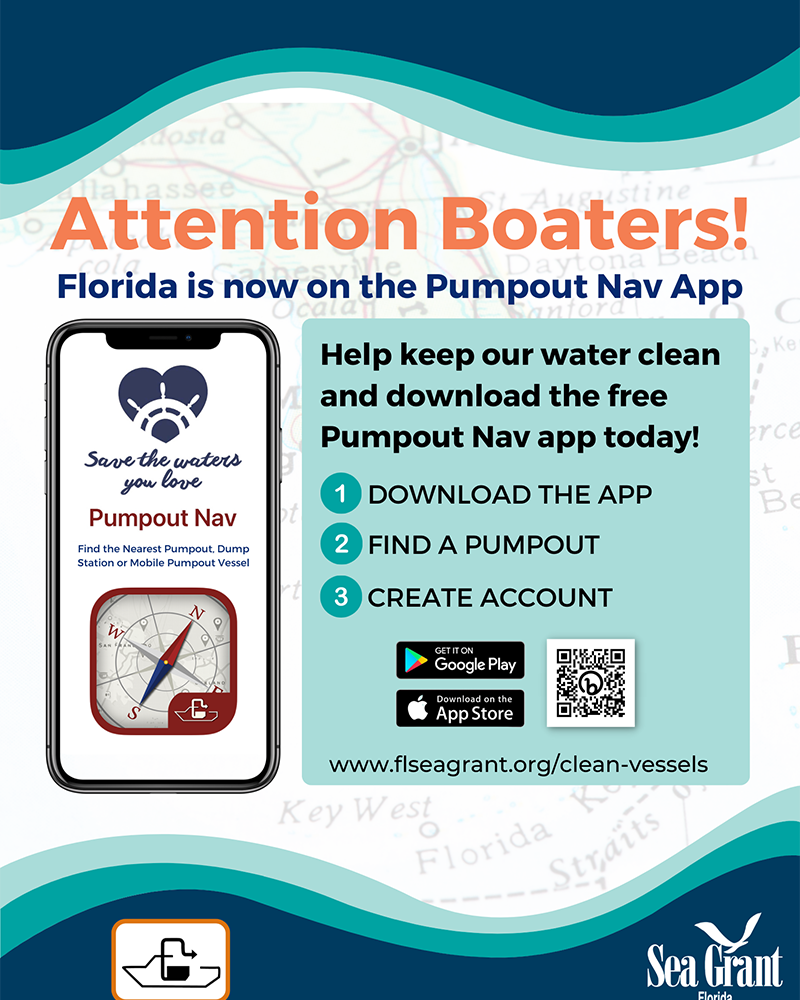
An informational flyer promoting the Pumpout Nav mobile application for boaters in Florida, set against a faded map background of Florida with wavy teal borders at the top and bottom.
The main title at the top reads “Attention Boaters!” in large orange letters, followed by a dark blue subtitle reading “Florida is now on the Pumpout Nav App”.
On the left side, a large graphic depicts a modern smartphone. The phone screen displays the Pumpout Nav app interface, which features a dark blue heart logo containing a steering wheel, the tagline “Save the waters you love”, the app name “Pumpout Nav”, and a description reading “Find the Nearest Pumpout, Dump Station or Mobile Pumpout Vessel”. Below the text is an illustration of a compass on a red background with a boat symbol.
The right side of the flyer contains a text section titled “Help keep our water clean and download the free Pumpout Nav app today!”. This is followed by a numbered list of instructions:
1. DOWNLOAD THE APP
2. FIND A PUMPOUT
3. CREATE ACCOUNT
Below the list are the official download badges for Google Play and the Apple App Store, alongside a scannable QR code. The website URL “www.flseagrant.org/clean-vessels” is printed below the badges.
The bottom footer features a small icon of a boat at a pumpout station on the left, and the Florida Sea Grant logo on the right.